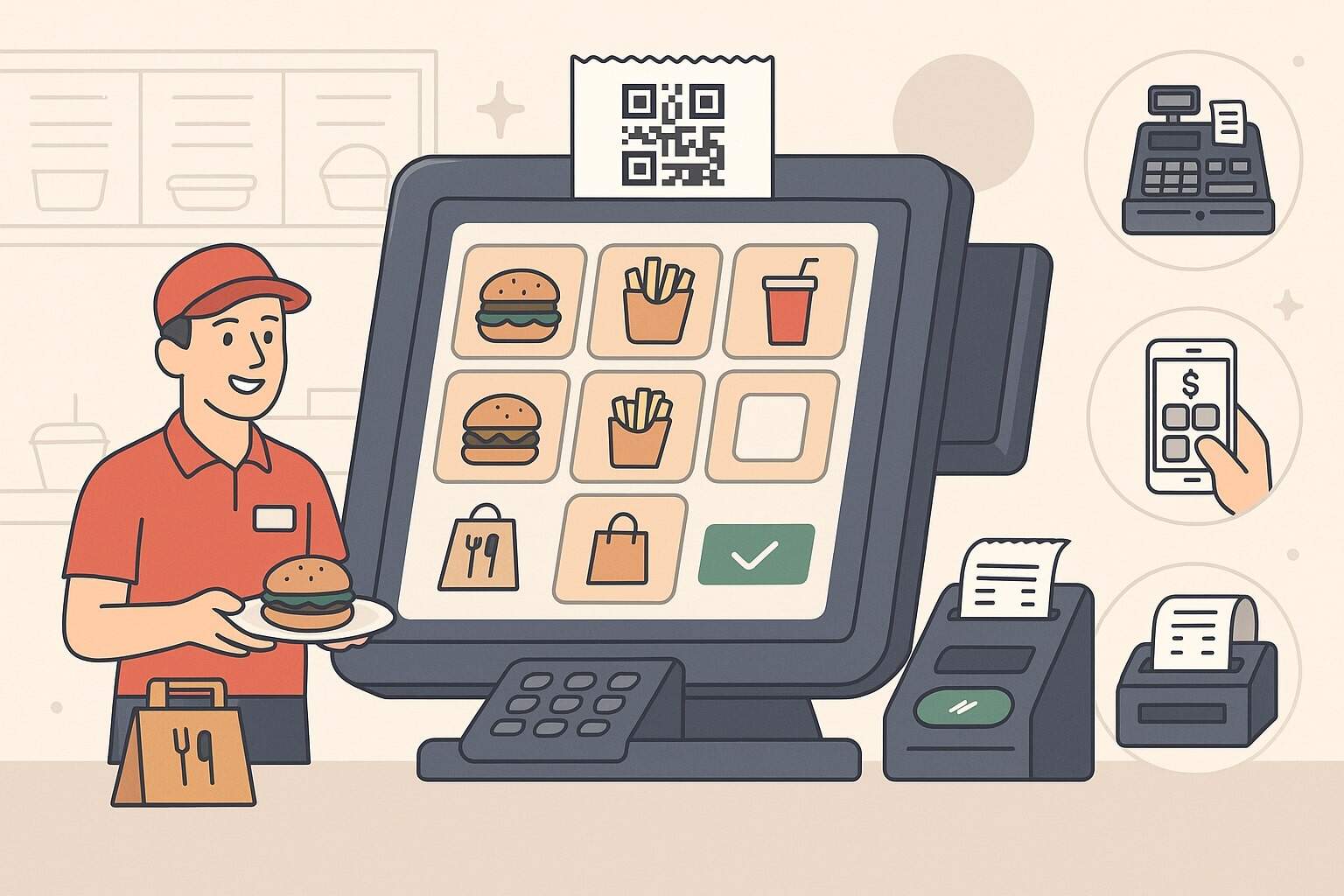
POS for quick-service restaurants has evolved from a basic cash register into the digital brain of your entire operation. A modern quick-service restaurant POS touches every part of the guest journey: discovery, ordering, payment, kitchen workflow, delivery, loyalty, and long-term analytics.
When it’s done right, your POS quietly powers faster lines, more accurate orders, higher ticket sizes, and better staffing decisions. When it’s wrong, everything feels slow, chaotic, and expensive.
Today’s QSRs are increasingly digital-first. Industry reports show brands shifting toward unified systems, first-party ordering, loyalty, and kiosk “surges” as key growth levers, especially in 2025.
A future-ready POS for quick-service restaurants is no longer optional; it’s the backbone that keeps your front-of-house, back-of-house, and digital channels in sync.
In this guide, we’ll break down the key tools and features you need in a POS for quick-service restaurants, how they work together, and where the technology is headed over the next few years.
Why POS for Quick-Service Restaurants Matters More Than Ever
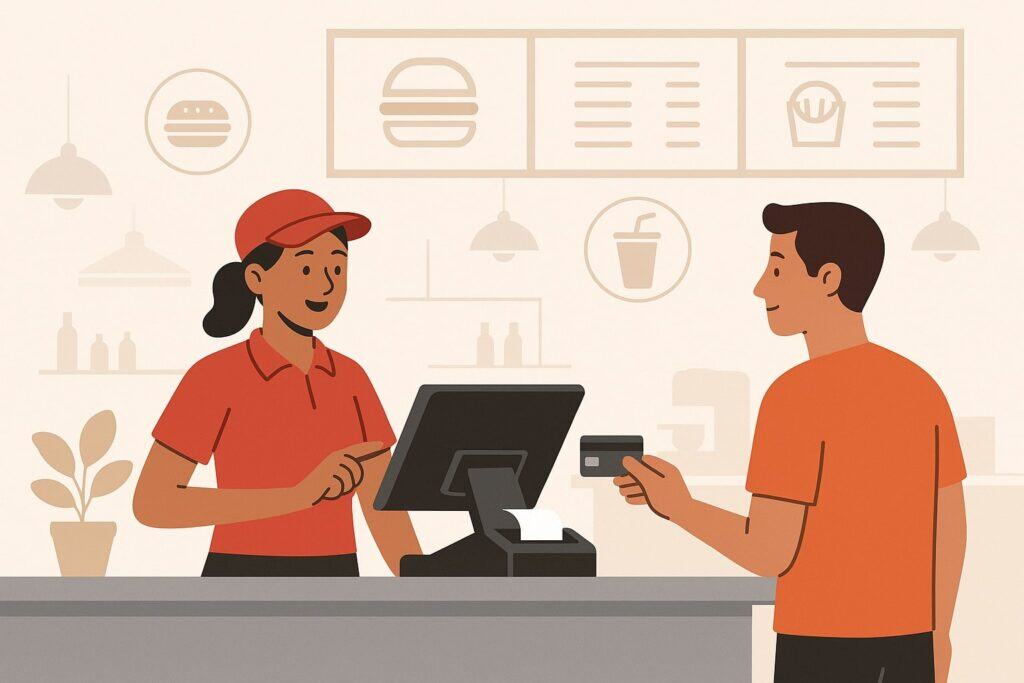
The POS for quick-service restaurants matters because QSR guests demand speed, convenience, and consistency across every channel. One bad experience at the drive-thru, one messed-up mobile order, or one long line inside can send guests to a competitor that offers smoother digital ordering and faster service.
A modern quick-service restaurant POS sits at the center of that experience, orchestrating orders from kiosks, apps, delivery marketplaces, and the counter into a single, manageable flow.
Recent digital restaurant reports show QSR brands investing heavily in unified systems, loyalty, and kiosk technology to “win back the guest” and grow profitably. Instead of juggling separate systems for online ordering, in-store POS, kitchen screens, and third-party delivery tablets, operators are consolidating into one platform.
That unified POS for quick-service restaurants gives you a single source of truth for menus, pricing, promotions, and guest data.
The economics are also shifting. Guests ordering from kiosks or digital channels typically spend more per visit thanks to built-in upsells and better menu presentation.
Technomic data suggests customers spend roughly 8–15% more when ordering via kiosk compared with a human cashier, and brands like Shake Shack have publicly confirmed higher checks—around 10%—from kiosk orders.
That higher average check, combined with efficiency gains, is exactly why POS for quick-service restaurants has become a key growth lever instead of a cost center.
Looking ahead, the importance of POS for quick-service restaurants will only grow. AI will help forecast labor and inventory, unified data will power personalized offers, and integrated hardware will keep your kitchen and front-of-house moving in sync.
Operators that treat their QSR POS as a strategic platform—not just a checkout tool—will have a major edge in speed, profitability, and guest loyalty.
Core POS Hardware Tools Every Quick-Service Restaurant Needs

When you think of POS for quick-service restaurants, you probably picture the touchscreen at the counter. But in a modern QSR, your POS hardware is a full ecosystem.
It connects cashiers, runners, line cooks, and managers—often across multiple order channels—without missing a beat. Choosing the right hardware stack is just as critical as your POS software.
At the front counter, you’ll typically have one or more fixed POS terminals with customer-facing displays. These help ensure order accuracy by letting guests confirm their items in real time.
Many quick-service restaurant POS setups pair that with EMV and NFC-capable card readers to support chip cards, contactless cards, and mobile wallets like Apple Pay or Google Pay. Fast, secure payment capability is now a baseline expectation, not a bonus.
For speed and flexibility, tablets and handhelds are becoming standard in POS for quick-service restaurants. Staff can line-bust during peak periods, take orders while guests are still in line, or walk the dining room to handle add-on items and refills.
In drive-thru-heavy concepts, ruggedized tablets allow teams to take multiple orders in parallel, cutting wait times without adding extra registers inside.
Behind the scenes, printers and kitchen hardware matter more than most owners expect. High-quality receipt and label printers support order staging, especially for takeout and delivery. In the kitchen, you’ll often combine traditional printers with digital kitchen display systems (KDS) that show real-time ticket queues, item status, and order routing.
Finally, network gear and backup hardware (routers, battery backups, spare tablets) protect your quick-service restaurant POS from downtime that can otherwise cripple a rush period.
The right mix of terminals, handhelds, kiosks, KDS screens, and payment devices ensures your POS for quick-service restaurants can support current operations and scale as your traffic and order channels grow.
Self-Service Kiosks and Drive-Thru Hardware for Quick-Service Restaurants
One of the biggest hardware shifts in POS for quick-service restaurants is the rise of self-service kiosks and modern drive-thru tech. Guests are now comfortable walking up to a large touchscreen, building their meal at their own pace, and paying without interacting with a cashier.
This isn’t just a novelty; it’s a serious revenue driver. Studies show kiosk orders in QSR and fast-casual concepts produce significantly higher average checks, often in the 8–15% range, because the interface can upsell add-ons and combos every time.
In a well-designed POS for quick-service restaurants, kiosks are not standalone islands. They’re fully integrated channels. Orders flow straight into the same POS database and kitchen queue as counter, mobile, and drive-thru tickets.
Guests can customize items, redeem loyalty rewards, and pay using familiar methods—including contactless options—without staff intervention. For operators, kiosks reduce front-counter labor pressure and allow teams to focus on hospitality, order accuracy, and throughput instead of pure data entry.
Drive-thru hardware is also evolving. Instead of static, scratchy speaker boxes, QSR drive-thru lanes increasingly use digital menu boards, high-quality headsets, AI-driven voice ordering, and integrated timers.
Many quick-service restaurant POS platforms now integrate with these systems so drive-thru orders appear instantly on KDS screens, with real-time tracking of order times and bottlenecks. Reports highlight that speed and accuracy at the drive-thru remain key differentiators, and modern POS technology is central to improving both metrics.
Looking forward, the hardware side of POS for quick-service restaurants will keep moving toward more automation: lane-specific KDS screens, license-plate recognition for loyalty and pickup, and kiosks that support voice and multi-language ordering.
Investing in scalable kiosk and drive-thru hardware today helps ensure your QSR POS doesn’t need a full rip-and-replace when the next generation of tech arrives.
Essential POS Software Features for Quick-Service Restaurants
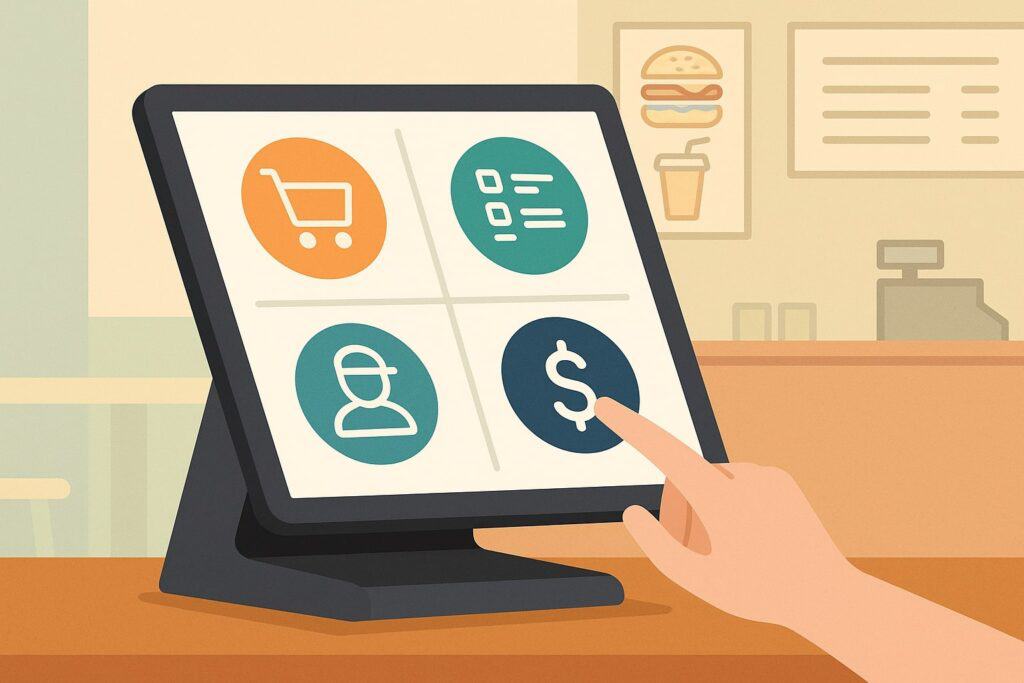
Hardware is only half of the story. The real power of POS for quick-service restaurants comes from software. A strong QSR POS platform handles in-store orders, digital channels, kitchen routing, staff permissions, reporting, and integrations without bogging down your team.
At a minimum, you want a quick-service restaurant POS that supports fast item entry, intuitive combo building, and flexible modifiers. Staff should be able to tap or search for menu items and apply size, flavor, and add-on options in seconds—even during a rush.
Modern systems also support forced modifiers to ensure required choices are captured (like sauce or side type), which improves order accuracy at the line.
Menu management is a key differentiator in POS for quick-service restaurants. You should be able to update prices, add LTOs (limited-time offers), switch images, and schedule time-based menus (like breakfast vs. lunch) from a central dashboard.
Those changes should automatically sync to every ordering channel: counter, kiosk, online ordering, and delivery marketplaces. That kind of centralized control is crucial when you run multiple locations or frequently update your menu based on supply and demand.
Your QSR POS software also needs strong user management and security tools. Role-based permissions, secure login, and audit logs help prevent fraud and errors. For payments, tokenization and point-to-point encryption protect card data, while EMV and contactless support reduce chargebacks and align with payment network requirements.
Finally, integrations with accounting, payroll, and scheduling tools ensure the POS for quick-service restaurants becomes the hub of your operational stack instead of an isolated island.
Menu, Combos, and Upselling Logic in a QSR POS System
Quick-service restaurants live and die by menu design and throughput. The menu logic inside your POS for quick-service restaurants should make it effortless for staff—and kiosks—to build accurate, profitable orders.
That means more than just listing items; it requires thoughtful combo structures, upsell prompts, and an intuitive flow that mirrors your kitchen line.
A strong QSR POS lets you build combos with dynamic pricing. For example, selecting a burger plus fries plus drink automatically applies the correct “meal” price, with clear prompts to choose size upgrades or premium add-ons.
When your quick-service restaurant POS handles this logic, staff don’t need to memorize all the pricing rules, and guests have a smoother experience at kiosks or online.
Upselling is another area where POS for quick-service restaurants can quietly boost revenue. You can configure suggestive selling prompts such as “Add bacon?” or “Make it a combo?” or “Add dessert for a discount?” at specific points in the order flow.
On kiosks and apps, these prompts appear visually with images and concise descriptions, nudging guests toward higher-margin decisions. Industry data shows that this kind of built-in upsell logic contributes meaningfully to the higher average ticket sizes seen on kiosk and digital orders.
Finally, your menu logic should support dayparting, localization, and A/B testing. You might offer different items or pricing at breakfast compared with dinner, or tweak menus by region based on local tastes.
More advanced POS for quick-service restaurants let you test multiple versions of a promo or LTO to see which performs best, then roll out the winner systemwide. Over time, this level of control turns your QSR POS into a marketing and merchandising engine, not just a checkout system.
Order Routing, KDS, and Kitchen Workflow in Quick-Service Restaurant POS
Fast, accurate execution in the kitchen is where a POS for quick-service restaurants proves its value. When orders arrive from multiple channels—counter, kiosk, mobile app, drive-thru, and delivery aggregators—your QSR POS must route items intelligently to the right prep stations and display them clearly for your cooks.
Kitchen display systems (KDS) have become core components of modern POS for quick-service restaurants. Instead of juggling printed tickets, your kitchen team sees digital order queues organized by priority and prep time.
Tickets can be color-coded based on how long they’ve been open or which channel they came from. Some systems allow bumping individual items rather than the whole ticket, which is useful for complex orders or multi-part builds.
Routing rules matter. A good quick-service restaurant POS lets you define where each menu item should appear: grill, fry station, salad station, dessert, or expo.
Combo items can be split across stations while still tying back to a single ticket, so everything finishes at roughly the same time. For digital orders, you can configure lead times and automatic throttling, so delivery and pickup orders don’t overwhelm the kitchen or degrade in-store service.
Looking forward, kitchen innovation is a major focus for QSR brands. Reports highlight that the next wave of POS for quick-service restaurants will connect more deeply with kitchen automation tools—smart fryers, holding cabinets, robotics, and AI-powered prep forecasting.
When your KDS and POS work seamlessly with those devices, you can reduce waste, improve consistency, and handle higher peak volume without adding proportional labor.
Payments, Security, and Compliance in QSR POS Systems
Because POS for quick-service restaurants handles high transaction volume at relatively low ticket values, payment speed and reliability are critical. Guests expect to tap and go or quickly insert a chip card and move on. Any delays at the payment step create visible friction, especially in a busy lunch rush.
Modern quick-service restaurant POS systems support EMV cards, NFC payments, and wallet-based options such as Apple Pay and Google Pay. Many also support QR-based payments and pay-at-table or pay-at-kiosk workflows.
The goal is to give customers their preferred payment methods without slowing operations. Leading QSR POS providers bundle integrated payment processing, which simplifies reconciliation and reduces the risk of mismatched deposits.
Security and compliance must be part of your checklist when evaluating POS for quick-service restaurants. Look for end-to-end encryption (P2PE), tokenization of stored card data, and systems that are certified with the latest PCI-DSS requirements.
Role-based access, two-factor authentication for manager functions, and audit trails help minimize fraud and unauthorized discounts or voids. Some enterprise QSR chains are also layering AI onto POS data to detect anomalies and potential fraud in near real time.
Over the next few years, expect POS for quick-service restaurants to integrate more deeply with identity solutions, such as secure one-tap loyalty enrollment and digital receipts linked to customer profiles.
Combined with evolving security standards, these capabilities will help QSR operators protect guest data while still capturing the insights needed to personalize offers and streamline repeat visits.
Managing Digital Orders: Online, Mobile, and Delivery in a QSR POS
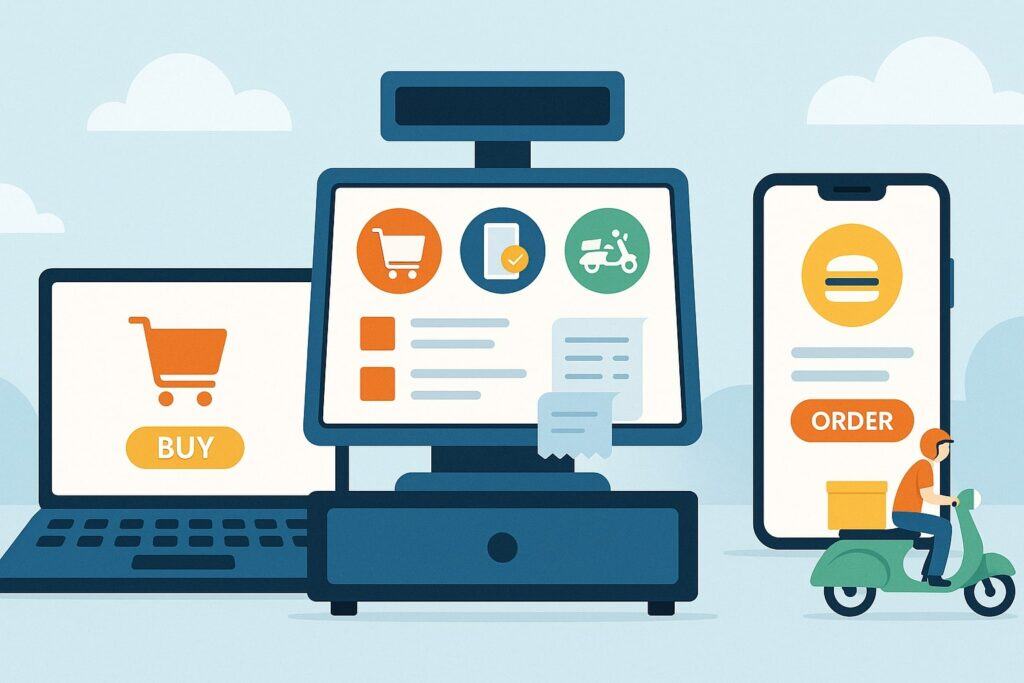
Digital ordering is no longer an add-on; it is a core function of POS for quick-service restaurants. Guests discover restaurants on search, maps, social, and third-party apps, then expect a frictionless way to order ahead, customize their meals, and track pickup or delivery in real time.
A strong quick-service restaurant POS should support first-party online ordering (via your own site and app) plus integrations with major delivery marketplaces.
Many QSR brands are shifting emphasis from third-party volume to first-party digital sales because first-party channels offer better margins and direct access to guest data. Surveys indicate a large share of brands see first-party digital as their biggest growth opportunity in 2025.
From an operational perspective, your POS for quick-service restaurants should consolidate these channels rather than relying on separate tablets for each app. Orders from your website, mobile app, and delivery platforms should land directly in the same order queue as in-store tickets, with clear channel tags and pickup times.
Automatic menu sync ensures your items, pricing, and availability stay consistent across every digital storefront, reducing cancellations and guest confusion.
Future-ready QSR POS platforms are also embracing digital pickup shelves, lockers, and in-store pickup screens. Guests can see their name and order status in real time, reducing line congestion and staff interruptions.
As more brands experiment with direct integration to search engines and map listings for “Order Now” buttons, your POS for quick-service restaurants will need to stay connected across the evolving digital landscape.
Using POS for Quick-Service Restaurants to Control Inventory and Food Costs
Food costs and waste can make or break profitability for quick-service concepts. The right POS for quick-service restaurants gives operators real-time visibility into ingredient usage, theoretical vs. actual costs, and variance by location or daypart.
Instead of relying on spreadsheets and manual counts, you can track every ounce of product moving through the system. Modern QSR POS platforms tie each menu item to a recipe with defined ingredient quantities. Every sold item decreases on-hand inventory in the background.
Over time, you can see which items have the highest margin, where portion control might be slipping, and which stores are consistently over- or under-using certain ingredients. Some systems can even trigger low-stock alerts or automatically generate suggested purchase orders based on sales trends and par levels.
For quick-service restaurant POS users, waste and theft are important watchpoints. By comparing theoretical inventory (what you should have according to sales) to actual counts, you can spot discrepancies early. That might indicate unrecorded waste, spoilage, comped items, or even theft. Integrated reporting lets you drill down into specific days, shifts, or employees to understand what’s happening.
In the near future, expect POS for quick-service restaurants to connect more tightly with smart scales, IoT-enabled storage, and AI-powered forecasting tools.
These solutions will use historical POS data, local events, and even weather patterns to predict demand and suggest optimized prep and ordering plans. That means less overproduction, fresher ingredients, and better margins, all rooted in the data your QSR POS already collects.
Leveraging POS Data, Loyalty, and CRM to Grow QSR Revenue
Data is one of the most underused assets in most quick-service restaurant POS systems. Every ticket contains information about what guests ordered, when they visited, how much they spent, which channel they used, and how promotions performed. When you connect that sales data to loyalty and CRM, your POS for quick-service restaurants becomes a powerful growth engine.
Many brands are moving from generic discounts to personalized offers based on individual purchase history. Industry reports emphasize unified data and loyalty as central to future QSR growth, with brands investing in personalization engines to recommend dishes and tailor deals.
With a robust quick-service restaurant POS, you can segment guests by visit frequency, category preference, or average ticket and automatically send targeted offers via email, SMS, or your app.
Loyalty integration is key. Guests should be able to enroll easily at the counter, kiosk, or online, and earn points no matter where they order. The POS for quick-service restaurants should apply rewards seamlessly—no manual codes or confusing workarounds.
Over time, your CRM should show lifetime value by guest segment, enabling smarter marketing spend and better decisions about limited-time offers and menu changes.
Looking ahead, QSR POS and loyalty platforms will increasingly lean on AI to predict who’s at risk of churning, which guests are most likely to respond to an offer, and what mix of rewards yields the best long-term profitability.
Operators that harness this intelligence early—by treating their POS for quick-service restaurants as a data platform—will be able to fine-tune their menus, promotions, and guest experiences faster than competitors.
Implementation Checklist: Choosing and Rolling Out a QSR POS System
Choosing a POS for quick-service restaurants can feel overwhelming. There are many providers, pricing models, and feature sets. But if you anchor your decision on your operational reality and growth plans, the process becomes much clearer.
Start by mapping your workflows: order channels, menu complexity, kitchen stations, and labor model. Identify your must-haves—such as drive-thru support, kiosks, multi-location management, or deep delivery integrations—and your nice-to-haves.
Then compare providers that focus specifically on restaurants and QSRs. Independent reviews often highlight systems like Toast, Square, Clover, Lightspeed, and others as top options, each with strengths in areas like inventory, online ordering, or workforce management.
Next, evaluate how each POS for quick-service restaurants handles integrations and scalability. Ask about open APIs, certified partners (delivery, accounting, scheduling), multi-location reporting, and centralized menu management.
Make sure you understand the total cost of ownership, including hardware, software subscriptions, payment processing, and add-ons like kiosks or advanced reporting.
Once you choose a system, plan a structured implementation. Configure menus, taxes, tipping rules, and access levels in a test environment. Run staff training sessions where employees can practice real scenarios without impacting live data.
Consider a soft launch during slower hours or at a single location before rolling the QSR POS out network-wide. After launch, monitor KPIs like average ticket size, speed of service, voids, comps, and labor cost percentage to see how the new POS for quick-service restaurants is performing—and where fine-tuning is needed.
The Future of POS for Quick-Service Restaurants: AI, Automation, and Unified Commerce
The future of POS for quick-service restaurants is not just faster checkout—it’s intelligent automation, unified commerce, and deeper integration across your entire tech stack.
AI is already making its way into QSR operations through drive-thru voice ordering, predictive labor and inventory tools, and personalization engines that recommend items based on past behavior.
On the hardware side, the self-service kiosk market is growing rapidly, with forecasts pointing to strong double-digit growth in the next few years. As kiosks become more ubiquitous, QSR brands will focus less on whether to deploy them and more on how to optimize them—testing layouts, upsell flows, accessibility options, and integration with loyalty and mobile.
Your POS for quick-service restaurants will be the orchestration layer that connects those kiosks with kitchen devices, payment processors, and customer databases.
Unified commerce is another key direction. Rather than treating in-store, drive-thru, mobile, and third-party orders as separate channels, future-ready quick-service restaurant POS platforms will treat them as different touchpoints in a single guest relationship.
Menus, prices, promos, and loyalty all pull from the same engine. Operators gain a true 360° view of their guests and can adjust strategy quickly as trends shift.
In the coming years, expect POS for quick-service restaurants to further integrate robotics, smart kitchen equipment, and environmental controls. Automatic fryer baskets, robotic drink dispensers, and AI-based prep lines will all tie back to POS demand signals.
The winners in this next wave won’t necessarily be those with the flashiest gadgets, but those who choose a QSR POS that is flexible, API-friendly, and built to support continuous innovation.
Frequently Asked Questions
Q.1: What is a POS system for quick-service restaurants and how is it different from a regular POS?
Answer: A POS for quick-service restaurants is a point-of-sale platform designed specifically for fast, high-volume, counter-service and drive-thru environments.
While “generic” POS systems may focus mainly on ringing up items and processing payments, a quick-service restaurant POS is built to manage complex menus, combo logic, kitchen routing, and multiple order channels simultaneously. It acts as command central for your in-store, online, drive-thru, and kiosk orders rather than a simple cash register.
In practical terms, POS for quick-service restaurants prioritizes speed, accuracy, and throughput. Interfaces are optimized for quick taps and minimal screens, with forced modifiers to reduce errors and automatic application of combo pricing.
QSR POS platforms often include integrated kitchen display systems so orders flow instantly from the front counter or digital channels to the appropriate kitchen stations, helping keep food quality consistent and wait times low.
Another big difference is channel support. A modern quick-service restaurant POS supports online ordering, mobile apps, and third-party delivery partners, with centralized menu and pricing management.
It also tends to include features like loyalty integration, multi-location management, real-time reporting, and inventory controls that are tuned to restaurant needs. As the industry moves toward unified data and smarter automation, a dedicated POS for quick-service restaurants becomes essential to stay competitive.
Q.2: How do I choose the best POS for my quick-service restaurant?
Answer: Choosing the best POS for quick-service restaurants starts with understanding your specific concept, volume, and growth goals. Begin by documenting your current pain points: long lines, order errors, inventory blind spots, or clunky third-party tablets.
Then list must-have features such as drive-thru support, kiosks, online ordering, tip management, and multi-location reporting. This clarity will help you quickly eliminate POS systems that don’t truly serve quick-service workflows.
Next, research providers known for strong restaurant capabilities. Independent analyses frequently highlight restaurant-focused platforms such as Toast, Square, Lightspeed, SpotOn, and others, each catering to different size ranges and needs.
Compare how each POS for quick-service restaurants handles menu management, digital channels, KDS, and integrations with accounting, payroll, and delivery aggregators. Pay close attention to hardware options, reliability, customer support, and contract terms.
Finally, ask for demos and trials, and involve your frontline staff in testing. Run real-life scenarios—like a lunch rush, large digital pickup spike, or menu change—to see how intuitive and stable the system feels.
Total cost of ownership is also key: consider subscription fees, payment processing rates, hardware, support, and any premium modules you’ll likely need later.
The “best” POS for quick-service restaurants isn’t the one with the longest feature list; it’s the one that supports your unique operation efficiently, integrates with your tech stack, and can grow with you over the next five to ten years.
Q.3: Are self-service kiosks really worth it for quick-service restaurant POS?
Answer: Self-service kiosks have quickly moved from experimental to mainstream in POS for quick-service restaurants, and there’s growing evidence that they’re worth the investment when deployed correctly.
Guests often appreciate the ability to browse the full menu, customize items without feeling rushed, and pay quickly without waiting in line.
Studies and brand commentary suggest kiosk orders in QSR and fast-casual environments can generate significantly higher average checks—often 8–15% higher than traditional cashier orders—thanks to consistent upselling and appealing food imagery.
From the operator’s perspective, kiosks integrated with your quick-service restaurant POS can reduce front-counter pressure and allow staff to focus on expediting orders, maintaining cleanliness, and delivering hospitality rather than purely punching in orders.
Kiosks also reduce misheard orders and provide an always-on upsell engine that never forgets to suggest add-ons, upgrades, or combos. That said, kiosk deployments must be planned carefully: placement, user interface, accessibility, and staff support all impact guest adoption and satisfaction.
Kiosks aren’t perfect—some surveys indicate a high percentage of guests experience occasional issues or payment failures—but as POS for quick-service restaurants becomes more reliable and user-friendly, these friction points are improving.
Over the next few years, expect kiosk UX, AI-driven suggestions, and loyalty integration to get even smarter. For most QSRs, the combination of higher average tickets, better labor utilization, and modern guest expectations makes kiosks a compelling component of a future-ready POS strategy.
Q.4: How much does a POS for quick-service restaurants cost?
Answer: The cost of POS for quick-service restaurants varies widely depending on your chosen provider, location count, and hardware setup. Typically, you’ll have three main cost buckets: software subscriptions, payment processing, and hardware.
Software fees can start with entry-level plans around a relatively low monthly per-location or per-terminal price, then scale up for advanced features like online ordering, loyalty, inventory, and enterprise reporting. Many restaurant-focused providers now offer modular pricing so you can start small and add capabilities as you grow.
Payment processing fees are another major factor. Some quick-service restaurant POS vendors bundle their own payment processing with fixed or negotiated rates. Others allow you to bring your own processor.
Small differences in per-transaction fees can add up quickly in a high-volume QSR environment, so it’s important to model processing costs alongside software and hardware.
Hardware costs will depend on whether you lease equipment or buy it upfront, how many terminals and handhelds you need, and whether you’re deploying kiosks and KDS screens.
While the upfront investment for a robust POS for quick-service restaurants can feel significant, many operators find the payback period is relatively short thanks to reduced labor waste, better accuracy, and higher average checks—especially if kiosks and digital channels are involved. Over five to ten years, a well-chosen QSR POS usually pays for itself many times over.
Q.5: How can I future-proof my quick-service restaurant POS investment?
Answer: To future-proof your POS for quick-service restaurants, focus on flexibility, integrations, and vendor roadmap rather than just today’s feature list.
Choose a system that’s cloud-based, updated frequently, and built on open APIs so it can connect with new tools—like robotics, AI engines, and emerging delivery platforms—without a complete overhaul. Ask vendors about their plans for AI, unified commerce, and loyalty integration over the next three to five years.
Make sure your quick-service restaurant POS supports multiple channels natively: counter, kiosk, online ordering, mobile apps, and third-party delivery. Unified menu management and data across these channels will only become more important as guest expectations rise.
Industry reports consistently highlight unified systems and data as the foundation of future restaurant success, especially as brands consolidate tech stacks and move toward direct digital relationships with guests.
Finally, invest in scalable hardware—like terminals and kiosks that can receive software updates, and network infrastructure that can handle additional devices. Train your team to use reporting and analytics so you can quickly see what’s working and adjust.
A POS for quick-service restaurants that is easy to adapt, integrates widely, and is supported by a vendor investing heavily in innovation will stay relevant much longer than one that simply handles today’s basics.
Conclusion
A modern POS for quick-service restaurants is far more than a checkout system. It’s the central nervous system of your business, connecting front-of-house, back-of-house, and digital channels into one coherent experience for guests and staff.
From hardware like kiosks, handhelds, and KDS screens to software features like menu logic, inventory, loyalty, and AI-driven insights, your quick-service restaurant POS shapes how efficiently you operate and how profitably you grow.
As QSR technology trends point toward unified systems, direct digital relationships, intelligent automation, and a surge in kiosk and mobile ordering, investing in the right POS for quick-service restaurants has become a strategic decision.
Operators that approach POS as a long-term platform—one that can flex with changing guest behavior, new channels, and emerging tools—will be better positioned to deliver fast, accurate, and personalized experiences.
When you choose and implement your QSR POS thoughtfully, you’re not just upgrading equipment—you’re building the foundation for faster lines, happier guests, more informed decisions, and a business that’s ready for whatever the next decade of restaurant innovation brings.