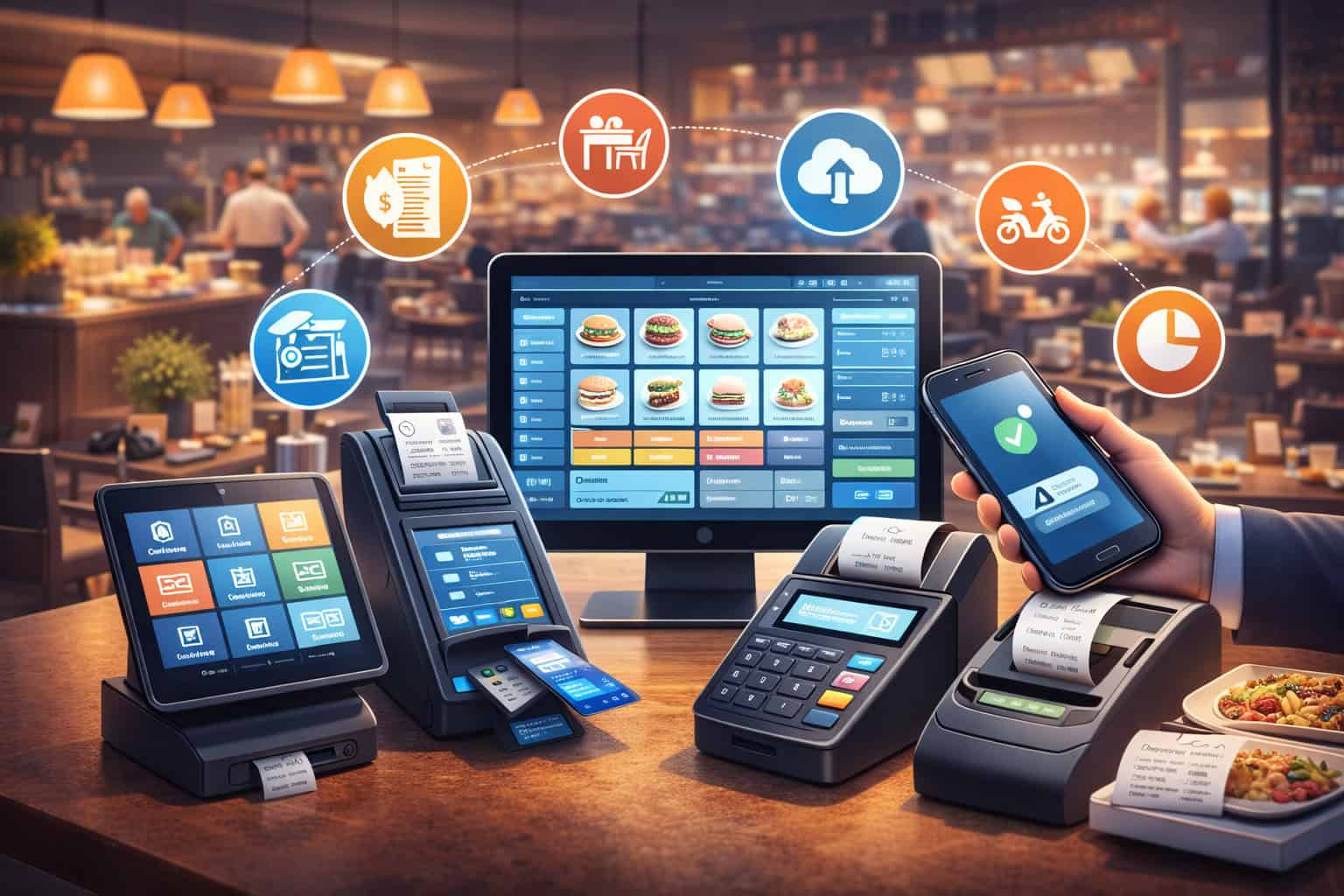
If you’re shopping for the best restaurant POS systems for small businesses, you’re not just choosing a checkout screen—you’re choosing the operating system that controls speed of service, order accuracy, staff accountability, and (often) your restaurant payment processing costs.
In 2026, restaurant POS solutions for small business owners have converged on a few non-negotiables: cloud reporting, strong menu management, online ordering integration, delivery app integrations, and reliable hardware options (including handheld POS devices).
But the “best” choice still depends on your format—food truck vs café vs full-service—and on whether you want bundled processing or the flexibility to negotiate interchange-plus vs flat-rate processing.
This guide compares leading small business restaurant POS systems with real tradeoffs, a scoring framework, and buyer checklists you can use in demos and contract reviews.
What a modern restaurant POS should do in 2026 (the real baseline)
A restaurant POS in 2026 should handle far more than ringing up orders. At minimum, it should keep your front-of-house flowing during a rush, keep your kitchen organized, and keep your finances clean enough that you’re not “reconciling” at midnight.
Start with the core: fast order entry, modifiers, coursing, table mapping, split checks, and reliable menu management. That’s table stakes. Where modern systems separate themselves is how well they connect every channel—counter, tableside, QR, phone, web, and delivery marketplaces—into one consistent workflow.
Here’s what “modern” typically includes:
- Cloud-based restaurant POS reporting you can trust (sales, labor, item performance, discounts, comps, voids).
- A kitchen display system (KDS) option or tight integration so the kitchen sees clean, timed tickets (and you can track prep performance).
- Online ordering integration that doesn’t create duplicate menus or manual “tablet hell.”
- Practical tools for labor: employee scheduling and time clock, permission controls, and audit trails.
- Payments that meet current expectations: EMV and contactless payments, mobile wallets, and tipping flows that work on terminals and handhelds.
- Solid guest tools: loyalty and gift cards, simple marketing automation, and customer profiles (where applicable).
Most importantly: reliability. A POS that’s “feature rich” but freezes mid-rush is not modern—it’s a liability.
How to choose the right POS for a small operator
Choosing a POS is less about “best brand” and more about matching the system to your service model, menu complexity, staffing reality, and growth plans. The right fit reduces training time and mistakes; the wrong fit becomes a monthly bill you resent.
Match the POS to your restaurant type (QSR vs full-service vs café/bakery vs food truck)
- Quick-service / fast casual: You’ll care most about speed, modifiers, combos, kitchen routing, and order throttling across channels. Look for strong KDS, line-busting handhelds, and easy menu changes. Delivery app integrations matter if marketplaces drive volume.
- Full-service: You’ll prioritize table mapping, coursing, seat-level ordering, split checks, bar tabs, and tableside ordering with handhelds. Stability and permissions matter more because there are more “hands” in the system. You’ll also want better reporting and tighter controls on voids/discounts.
- Café/bakery: You need quick tickets, easy item variants (size/milk/syrups), and a smooth tipping flow. A strong iPad restaurant POS can be perfect here—especially if you value intuitive training and affordable hardware options. Square-style simplicity can win if you don’t need deep coursing.
- Food truck / pop-up: Offline resilience, compact hardware, and fast payments matter most. You’ll want offline mode, mobile connectivity options, and simple menu updates on the fly. You may also care about QR ordering for lines and pre-orders.
Must-have vs nice-to-have features (so you don’t overbuy)
Must-have (most small operators):
- Menu modifiers + pricing rules
- Tax settings that don’t break
- Basic inventory or ingredient-level tracking (at least for high-cost items)
- Tips, tip pooling and tip reporting
- Role-based permissions + audit logs
- Simple reporting and analytics for restaurants
- Online ordering that syncs menus (not duplicate menus)
Nice-to-have (depends on concept):
- Advanced inventory tracking for restaurants (ingredients, recipes, theoretical vs actual)
- Robust reservations + waitlist integrations
- Advanced loyalty segmentation
- Multi-location controls for brands
- QR code ordering (great for high volume / limited labor, not always right for fine dining)
Hardware choices that actually matter
A small restaurant hardware stack often includes:
- Counter terminal(s)
- Receipt printer(s)
- Cash drawer (optional)
- Kitchen printer or KDS screen(s)
- Router + backup internet (highly recommended)
- Handheld POS devices (for tableside or line busting)
Some vendors require proprietary hardware; others allow mixed setups. Proprietary isn’t automatically “bad,” but it can reduce flexibility and increase switching costs later.
Offline mode and reliability (ask for specifics)
Most vendors can keep taking orders during an outage. The hard part is payments.
Offline card acceptance can store transactions and send them when connectivity returns—but it increases risk: a card can decline later, limits may apply, and you need staff rules. A vendor should clearly explain:
- Does offline mode cover ordering only, or payments too?
- Are there per-transaction limits?
- How are offline payments encrypted/stored?
- What’s the failover process (and who trains staff)?
Costs and pricing explained clearly (what you’ll really pay)
POS pricing is usually a blend of software subscription + hardware + add-ons + processing. Your true cost isn’t the monthly software fee—it’s the total system cost over time.
Software subscription fees (typical structure)
Most restaurant POS vendors use tiered monthly subscriptions per location or per terminal/station. Some offer entry tiers with limited features and upsell advanced reporting, online ordering, loyalty, or multi-location tools. Square’s restaurant plans, for example, include a free tier and paid tiers you can cancel or switch, depending on plan.
Lightspeed publishes tier pricing for its restaurant product and highlights offline mode as part of its positioning.
What to watch:
- Whether pricing is per terminal, per location, or per feature bundle
- Whether KDS, online ordering, loyalty, payroll, or advanced reporting are included or add-ons
- Whether long contracts are required (some vendors still push multi-year terms)
Hardware costs (and how lock-in happens)
Hardware can be purchased upfront, financed, or bundled into a subscription/processing program. Be cautious of long-term leases that are hard to exit.
Common hardware cost drivers:
- Handhelds (tableside/line busting)
- KDS screens + mounts
- Networking (router, access points)
- Payment devices (EMV/contactless)
Some platforms are designed around specific hardware ecosystems (Clover is a common example of a hardware-forward ecosystem).
Add-on modules (online ordering, loyalty, payroll)
Add-ons often look cheap until you stack them:
- Online ordering + delivery integrations
- Loyalty and gift cards
- Employee scheduling/time clock upgrades
- Accounting integrations
- Reservations and waitlist tools
- Catering modules
Aim to price your “real setup,” not the brochure setup.
Payment processing models: flat rate vs interchange-plus (and what to ask)
Many POS vendors bundle payments (you use their processing). Others let you bring your own processor or offer multiple options.
- Flat-rate processing: predictable, simple, often higher on premium cards.
- Interchange-plus: can be more cost-effective for established volume, but requires transparency and clean statements.
Square’s model varies by plan and is positioned as simple—software can be free, and you pay processing when you take payments.
Questions to ask every provider:
- Is processing required, or optional?
- Are rates negotiable at your volume?
- Any monthly minimums?
- Do you keep fees on refunds?
- What fraud tools exist for card-not-present orders?
- How are chargebacks handled, and what support do you provide?
Comparison tables (features, fit, and pricing model considerations)
Below are quick comparison tables to speed up shortlisting. Use them to narrow to 3–4 finalists before demos.
Feature coverage snapshot (what matters in daily operations)
| Feature / Capability | Why it matters | What to look for in demos |
|---|---|---|
| Tableside ordering | Faster turns, fewer errors | Handheld workflow, seat/course handling |
| KDS | Cleaner kitchen flow | Ticket timing, routing, expo screens |
| Online ordering integration | Prevents duplicate menus | One menu sync, throttling, prep times |
| Delivery app integrations | Reduce “tablet hell” | Centralized orders, item mapping |
| Inventory tracking for restaurants | Control food cost | Ingredient mapping, variance reports |
| Employee scheduling & time clock | Labor control | OT rules, role permissions |
| Tip pooling & tip reporting | Compliance + fairness | Pool rules, exportable reports |
| Offline mode | Avoid outage chaos | Order-only vs payment offline detail |
| Multi-location restaurant POS | Growth-ready | Central menus, reporting, permissions |
“Best fit” by restaurant type (quick guide)
| Restaurant type | Best-fit POS traits | Common dealbreakers |
|---|---|---|
| Food truck | Offline-first mindset, fast handheld payments, compact hardware | Weak offline payments, bulky setup |
| Café/bakery | Fast modifier entry, simple training, great tipping | Overly complex table service UI |
| QSR / fast casual | KDS + throttling + delivery integrations | No kitchen routing, weak speed tools |
| Full-service | Table maps, coursing, handheld tableside | Retail-style POS with hacks |
| Multi-location | Central control + consistent reporting | No brand-level reporting, fragmented menus |
Pricing model considerations (what changes your total cost)
| Pricing lever | Lower-cost scenario | Higher-cost scenario |
|---|---|---|
| Software | One station, core features | Multiple stations + add-ons |
| Hardware | Use existing compatible devices | Proprietary ecosystem refresh |
| Online ordering | Included / first-party | Add-on + per-channel fees |
| Processing | Negotiated interchange-plus | Flat-rate with higher effective rate |
| Contract | Month-to-month flexibility | Multi-year with termination fees |
A scoring framework you can use (so demos don’t blur together)
When you watch POS demos back-to-back, everything starts to look “good.” A scoring framework keeps you grounded.
Score each vendor from 1–5 (5 is best) in these categories:
- Service fit (25%) – Does it match your workflow: QSR, café, full-service, truck?
- Ordering + kitchen flow (20%) – Modifiers, coursing, KDS, routing, speed.
- Digital channels (15%) – Online ordering integration, delivery app integrations, QR ordering.
- Payments + cost control (15%) – Transparent processing options, tipping tools, fraud controls.
- Reliability + offline mode (10%) – What really works when the internet drops.
- Reporting + admin (10%) – Analytics, exports, audit logs, permissions.
- Support + onboarding (5%) – Training quality, responsiveness, implementation help.
Top restaurant POS systems for small businesses in 2026 (10–12 options)
Below are leading systems worth evaluating. Each section uses the same format so you can compare apples-to-apples.
Toast
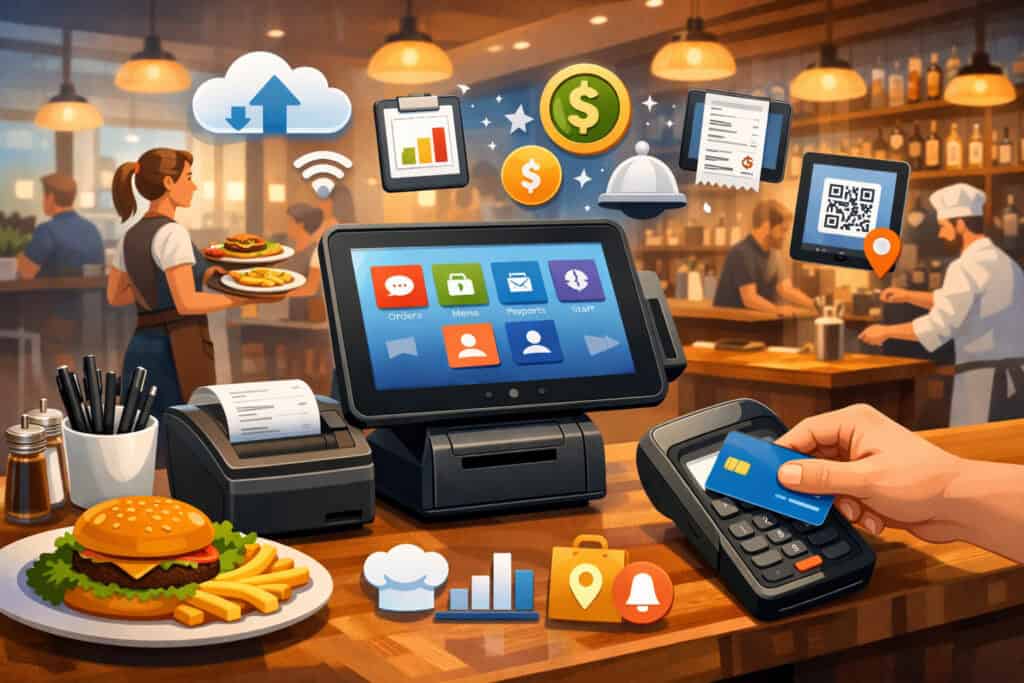
Best for / ideal restaurant type: Fast casual and full-service operators who want a restaurant-first workflow, strong kitchen tools, and a broad ecosystem.
Key features: Toast is known for restaurant-specific functionality like menu complexity, kitchen workflows, and integrations that support delivery marketplaces and operational add-ons. Independent reviews consistently highlight KDS support and delivery integrations as strengths.
Pros:
- Restaurant-native UX for modifiers, coursing, and kitchen flow
- Strong KDS and operational tool ecosystem
- Common choice for scaling concepts
Cons:
- Costs can compound once you add modules + hardware
- Some plans/contracts may be less flexible than month-to-month models (review contract terms carefully)
Pricing approach (high level): Subscription tiers plus hardware; total cost is heavily influenced by processing + add-ons.
Payment processing flexibility: Often positioned as a bundled ecosystem; confirm whether you can bring your own processing and what that changes.
Integrations: Delivery marketplace integrations and a broad app ecosystem are commonly cited.
Support/onboarding notes: Ask about implementation support if you have complex menu builds or multi-station setups.
Square for Restaurants
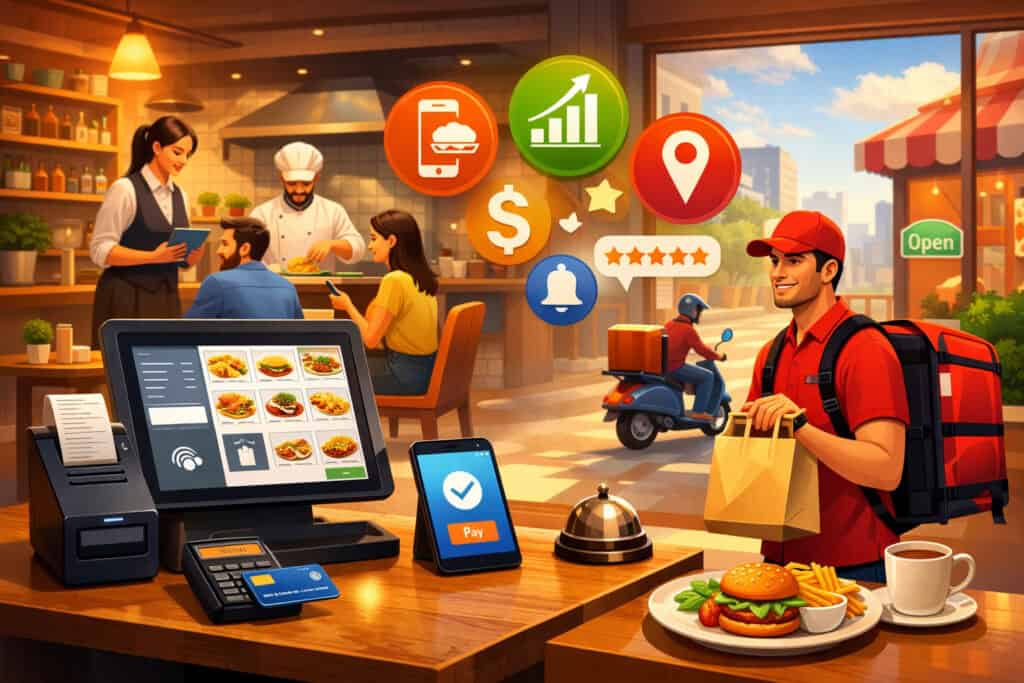
Best for / ideal restaurant type: Cafés, bakeries, counter-service, food trucks, and smaller operators who want simplicity and quick setup.
Key features: Square offers a free entry tier and paid restaurant tiers, with the ability to cancel or switch depending on plan. It’s popular for its approachable UI, flexible hardware options, and quick time-to-launch.
Pros:
- Low barrier to entry (especially for new operators)
- Good iPad restaurant POS experience for many setups
- Strong ecosystem for add-ons (online ordering, loyalty, etc.)
Cons:
- Costs can rise with processing volume and add-ons
- Some operators report account holds as a risk area—ask how underwriting works for your ticket sizes and volume
Pricing approach (high level): Free and paid plans; processing fees vary by plan.
Payment processing flexibility: Often bundled; confirm options if you want interchange-plus or an outside processor.
Integrations: Wide third-party ecosystem; confirm delivery integrations you actually use.
Support/onboarding notes: Great for DIY setups; confirm support channels for nights/weekends.
Lightspeed Restaurant
Best for / ideal restaurant type: Operators who want customization, multi-location controls, and a strong iPad-based restaurant workflow.
Key features: Lightspeed positions its restaurant POS with customizable experiences, insights, and offline mode, with tiered pricing published on its site.
Pros:
- Strong configuration options for menus and operations
- Offline mode messaging is explicit—still validate what it covers in practice
- Often a good fit for operators who outgrow “basic” tools
Cons:
- Higher tiers may be needed to unlock full value
- Implementation quality matters—configure it wrong and you’ll feel it every day
Pricing approach (high level): Tiered subscription plans.
Payment processing flexibility: Varies; confirm whether you can negotiate processing and what hardware is required.
Integrations: Broad integration marketplace; validate accounting, delivery, and reservations needs during demo.
Support/onboarding notes: Ask for a sample implementation timeline and menu build assistance if you have complexity.
TouchBistro
Best for / ideal restaurant type: Full-service and hybrid operators who want iPad-first table service features and strong local operation reliability.
Key features: TouchBistro is widely positioned as an iPad-based restaurant POS with table management strengths and offline capabilities (validate exactly what “offline” means for payments in your setup).
Pros:
- Strong table service workflow for many small full-service restaurants
- iPad-first UI can reduce training time
- Payments offering is packaged as a unified solution in its messaging
Cons:
- Total cost depends on modules and payments configuration
- Integration depth varies by tool category—confirm your must-haves
Pricing approach (high level): Typically subscription-based; pricing and packages vary—request a written quote.
Payment processing flexibility: TouchBistro promotes its payments offering; confirm if alternative processors are allowed and how that impacts support.
Integrations: Accounting, reservations, and other tools commonly available—verify exact partners you need.
Support/onboarding notes: Ask about menu build services and training resources for servers/bartenders.
Clover (Restaurant / Dining configurations)
Best for / ideal restaurant type: Small operators who like an appliance-style setup and want a broad app marketplace; also useful for simple counter service and growing multi-device setups.
Key features: Clover sells restaurant-oriented packages and highlights purchase/subscription options on its restaurant pricing page. Many operators like the hardware variety (counter, handheld-style devices), and the ecosystem can fit many service models—if configured carefully.
Pros:
- Hardware options and app marketplace can be flexible
- Often quick to deploy for simpler workflows
- Can support multi-device environments well
Cons:
- Hardware ecosystem can be a form of lock-in; switching later may mean replacing devices
- Restaurant depth depends on the specific configuration/apps chosen
Pricing approach (high level): Hardware + subscription/apps; varies widely by reseller and package.
Payment processing flexibility: Often tied to merchant account/provider structure—confirm whether you can choose processing and what pricing model is offered.
Integrations: Many via apps; validate ongoing costs and support responsibility (vendor vs app developer).
Support/onboarding notes: Support quality can depend on who you buy through—clarify who owns support.
SpotOn Restaurant
Best for / ideal restaurant type: Operators who want an all-in-one platform approach (POS + payments + some marketing tools) and are comfortable with a bundled model.
Key features: SpotOn is positioned as a restaurant-focused POS tied closely to its payments model in many discussions and reviews; some sources describe it as a more integrated setup with less hardware portability.
Pros:
- Bundled approach can simplify vendor management
- Restaurant-centric features and positioning
- Implementation can feel more guided than DIY systems
Cons:
- Bundled processing may limit negotiating flexibility (confirm in writing)
- Hardware portability may be limited (verify buyout/migration terms)
Pricing approach (high level): Often plan-based with payments considerations; request a full quote and statement-style breakdown.
Payment processing flexibility: Commonly described as integrated/required; confirm options before committing.
Integrations: Confirm accounting, delivery, and reservations integrations you need during demo.
Support/onboarding notes: Ask who manages menu build, training, and go-live coverage.
SkyTab
Best for / ideal restaurant type: Value-oriented operators who want an all-in-one restaurant platform story and are comparing bundled systems.
Key features: SkyTab markets itself as an affordable restaurant-only POS platform with online ordering, reservations/waitlist, and contactless capabilities in its materials.
Pros:
- Strong “all-in-one” positioning
- Often promoted as affordable for the feature bundle
- Good to evaluate if you want fewer vendors
Cons:
- Marketing pages can be light on hard pricing details—push for clarity
- As with all bundled systems, processing details can make or break total cost
Pricing approach (high level): Public pricing messaging exists, but you’ll still want a written proposal that itemizes everything.
Payment processing flexibility: SkyTab messaging emphasizes built-in payment acceptance; clarify whether outside processing is possible and how rates are set.
Integrations: Verify what’s native vs what’s an add-on/integration.
Support/onboarding notes: Ask for real go-live support details (remote vs onsite, hours, escalation).
Revel Systems
Best for / ideal restaurant type: Multi-location operators who need enterprise-style controls and strong offline behavior, and who are comfortable with longer contracts.
Key features: Revel is often described as an iPad-based POS with multi-location strengths and offline capabilities. Revel’s own support documentation addresses offline mode configuration, which is a good sign you can validate operationally.
Pros:
- Strong multi-location tooling (historically a Revel strength)
- Offline configuration is documented—still validate payment behavior and limits
Cons:
- Contract terms can be heavier (including longer commitments and termination complexity per reviews)
- Consider long-term roadmap and ownership context when evaluating
Pricing approach (high level): Typically per terminal with minimums; confirm contract length and billing cadence.
Payment processing flexibility: Often integrated; confirm what flexibility exists.
Integrations: Many available; validate your must-haves with a proof list.
Support/onboarding notes: Ask for a named implementation manager and a migration plan.
NCR Voyix Aloha Essentials
Best for / ideal restaurant type: Complex operations, high-volume environments, and operators who value a “legacy leader” approach and deep enterprise patterns—even if pricing is custom.
Key features: Aloha Essentials is marketed as an end-to-end restaurant platform by NCR Voyix, and many reviews emphasize its legacy presence and training familiarity among staff.
Pros:
- Strong enterprise patterns for complex restaurants and multi-location brands
- Familiarity can reduce training friction in some labor markets
Cons:
- Custom pricing can make comparisons harder
- May be more than a small single-location operator needs
Pricing approach (high level): Commonly custom quoted; ask for a full cost model including hardware, services, and ongoing support.
Payment processing flexibility: Depends on proposal; clarify early.
Integrations: Enterprise integration story varies by region and package—confirm.
Support/onboarding notes: Implementation quality is crucial—request references from similarly sized operators.
Lavu
Best for / ideal restaurant type: iPad-first restaurants and bars that want practical features like tabs and inventory tools, and who value mobile workflows.
Key features: Lavu is commonly described as an iPad POS designed for restaurants/bars with inventory management and offline-capable payment workflows in some descriptions.
Pros:
- iPad-centric workflow can be efficient for many small teams
- Good fit to evaluate if you want bar-friendly flows and mobility
Cons:
- Pricing details can be inconsistent across listing sites—get a direct quote
- Integration depth varies; verify your exact toolchain
Pricing approach (high level): Quote-based or plan-based depending on package; avoid relying on third-party estimates alone.
Payment processing flexibility: Confirm whether processing is bundled and how hardware ties in.
Integrations: Validate accounting, delivery, and loyalty integrations you need.
Support/onboarding notes: Ask for training resources and a realistic timeline for menu build.
HungerRush
Best for / ideal restaurant type: Delivery-heavy concepts (especially where phone orders matter), and growing QSR brands that want digital + marketing tools under one roof.
Key features: HungerRush is positioned as an all-in-one platform combining POS, online ordering, delivery management, loyalty/marketing, and reporting.
Pros:
- Strong digital ordering and delivery management emphasis
- Good fit for brands that want marketing automation tied to POS
Cons:
- May be more platform than a small café needs
- Evaluate implementation carefully—more modules means more configuration
Pricing approach (high level): Quote-based; expect pricing tied to modules and locations.
Payment processing flexibility: Confirm what’s required and what’s optional.
Integrations: Many components are platform-native; verify what’s included vs add-on.
Support/onboarding notes: Request a phased rollout plan if switching from an existing POS.
GoTab
Best for / ideal restaurant type: Operators who want guest-led ordering, QR code ordering, and flexible service models (food halls, bars, counter + table hybrids).
Key features: GoTab is positioned as a mobile-first restaurant commerce platform where guests can order/pay via QR codes, while still functioning as a staff POS.
Pros:
- Strong fit for QR-driven service and labor-lean models
- Can streamline ordering/payment for high-traffic environments
Cons:
- Not every concept benefits from QR-first service (brand experience matters)
- Requires thoughtful menu design and staff training to avoid guest confusion
Pricing approach (high level): Pricing varies; use vendor demos to confirm what’s included and what’s an add-on.
Payment processing flexibility: Confirm your options and how QR payments are handled.
Integrations: Verify KDS, loyalty, and accounting connections if needed.
Support/onboarding notes: Ask for best practices on QR deployment and guest communication.
Security and compliance (PCI, EMV/contactless, permissions, audit logs)
Security isn’t a “nice-to-have.” Your POS touches payment data, employee activity, discounts, refunds, and customer contact details.
PCI compliance and approved devices
You’ll often hear “PCI compliant” used loosely. What matters is that:
- Payment devices are validated/approved to relevant standards, and
- Your environment (networks, access, and processes) supports secure handling.
The PCI Security Standards Council maintains programs and lists for approved/validated payment devices and standards for point-of-interaction security.
What to do as an operator:
- Use EMV-capable, approved payment devices
- Keep POS and routers updated
- Limit admin permissions and shared logins
- Turn on audit logs where available
EMV and contactless payments (and why they reduce risk)
EMV chips and contactless methods are important for reducing certain counterfeit fraud exposure. Industry guidance notes that when chip cards are used, liability dynamics differ than when magnetic stripe is used.
User permissions, audit logs, and fraud prevention
For small teams, internal controls still matter:
- Role-based permissions (who can void, comp, refund)
- Forced manager approvals for sensitive actions
- Audit logs for “who did what”
- Alerts for unusual discount/refund behavior
For online ordering, ask about:
- Velocity limits
- AVS/CVV settings (where applicable)
- Chargeback workflows and evidence collection support
Setup and implementation (migration checklist that prevents chaos)
Implementation is where many POS projects fail—not because the software is bad, but because the setup is rushed.
Migration checklist (do this in order)
- Map your workflows: ordering, kitchen routing, payments, tips, refunds, comps.
- Build your menu intentionally: modifiers, forced modifiers, upcharges, combos, coursing.
- Set up stations and roles: define permissions and manager approvals.
- Hardware staging: label devices, configure printers, test KDS routing.
- Payments testing: EMV, contactless, refunds, tips, offline behavior.
- Dry runs: run a “fake rush” with staff and kitchen.
- Go-live plan: pick a calmer service window, schedule extra support, define escalation.
Staff training that actually sticks
Train by role:
- Cashiers: speed + modifiers + payment flows
- Servers: tableside ordering, splitting checks, tip adjustments
- Managers: void/comp rules, end-of-day, reporting
- Kitchen: KDS bumping, routing, expo workflow
Keep training scenarios realistic (lunch rush, big party, complicated modifiers).
Common mistakes to avoid (and how to spot them early)
Most POS regret comes from avoidable traps:
- Long contracts with harsh termination fees: If a vendor needs a long lock-in to compete, that’s a signal. (Some systems are known for longer terms—confirm upfront.)
- Hidden fees in add-ons: Online ordering, loyalty, gift cards, and extra stations can stack quickly.
- Proprietary hardware lock-in (without a plan): Hardware ecosystems can be fine—just price your exit cost.
- Weak offline mode assumptions: “Offline mode” is not a single feature. Confirm order-taking vs payment behavior.
- Ignoring payments economics: Software might be $0–$99/month, but processing is forever. Make processing a first-class decision.
Best by category roundup (quick recommendations)
These are “best for” picks based on typical strengths and positioning—always validate with a demo against your workflow.
Best for food trucks
Square for Restaurants for quick setup and simple workflows, especially if you value a low fixed monthly cost structure. Also shortlist GoTab if QR ordering and guest-led payment fits your line strategy.
Best for cafés/bakeries
Square for Restaurants for speed and simplicity, or TouchBistro if you need more table service structure in a hybrid café model.
Best for quick-service
Toast if you want restaurant-native depth and strong kitchen + delivery workflows. Also consider HungerRush if delivery and digital ordering are central to your business model.
Best for full-service + tableside
TouchBistro or Toast, depending on your preference for iPad-first simplicity vs broader platform depth.
Best for multi-location
Lightspeed Restaurant or Revel Systems if you need deeper controls and central management (with careful contract evaluation).
Best budget-friendly option
Square for Restaurants (free tier) can be a strong starting point if your needs are straightforward and you’re okay with the processing model.
Buyer checklists (bring these into demos)
POS demo questions (use in every call)
- Show me a lunch rush workflow: modifiers, upsells, and speed keys.
- How do you route items to different prep areas?
- Demonstrate tableside ordering and splitting checks.
- Show menu management: how fast can we update prices and 86 an item?
- Show reports: item sales, labor, comps/voids, and tax exports.
- Walk me through offline mode: orders and payments—step by step.
- What’s included vs add-on: online ordering, loyalty, gift cards, KDS?
Payment processing questions (save real money here)
- Is processing mandatory or optional?
- Flat rate or interchange-plus? If interchange-plus, what’s the markup and what fees exist?
- Any monthly minimums? PCI fees? statement fees?
- Are you charging fees on refunds?
- What’s your chargeback process and support?
- What fraud tools exist for online orders?
Contract review checklist (avoid regret)
- Term length and renewal terms
- Early termination fees (and how they’re calculated)
- Hardware return/buyout terms
- Price increase clauses (software + processing)
- Support SLAs and hours
- Data ownership and export access (menu, customers, reporting)
- Integrations: what happens if a partner integration breaks?
Hardware checklist (don’t underbuy or misbuy)
- Number of terminals and handhelds needed for peak volume
- Kitchen: printers vs KDS (or both)
- Network: business-grade router + backup internet
- EMV/contactless readers everywhere you take payments
- Spare paper, cables, and a labeled “swap kit” for emergencies
FAQs
Q.1: How much does a restaurant POS cost for a small business?
Answer: Most small operators pay a mix of software subscription + hardware + processing. Some platforms offer free software tiers with processing fees, while others charge monthly subscriptions plus add-ons.
Square’s pricing page, for example, describes a free plan and paid tiers you can switch/cancel depending on plan. Your best estimate comes from pricing your exact station count, online ordering needs, and payment volume.
Q.2: Do I need separate payment processing or is it bundled?
Answer: It depends. Many restaurant POS vendors bundle or strongly prefer their own processing, while others allow outside processors. Always ask whether bringing your own processor is allowed and what features/support change if you do.
Q.3: What’s the best POS for a small café or bakery?
Answer: If you want simple setup and fast counter workflows, Square is often shortlisted because of its low barrier to entry and scalable hardware options. If your café also does table service, TouchBistro can be worth evaluating for table management depth.
Q.4: Can a restaurant POS work offline?
Answer: Many can take orders offline, but offline payments are more nuanced. Offline payment flows often store transactions to process later, which can create risk if a card declines when you reconnect, and vendors may enforce limits. Demand a live explanation and written confirmation of what works offline.
Q.5: What’s the difference between a retail POS and a restaurant POS?
Answer: Restaurant POS systems handle modifiers, coursing, table maps, split checks, kitchen routing, KDS workflows, and tipping in ways retail POS systems typically don’t. A retail POS can “ring items,” but it rarely optimizes kitchen timing and service flow.
Q.6: How do POS systems handle tips and tip pooling?
Answer: Most restaurant POS systems support tip entry on terminals/handhelds and can produce tip reports for payroll. Tip pooling varies by platform—ask to see configuration (pool by role, by shift, by hours) and confirm exports that match your payroll process.
Q.7: Are handheld POS systems worth it?
Answer: Often yes—if they reduce steps for servers and speed table turns. Handhelds help with tableside ordering, faster payments, and fewer kitchen errors. The tradeoff is cost (devices + protection + support) and the need for strong Wi-Fi coverage.
Q.8: How long does it take to switch POS systems?
Answer: A simple counter-service switch can be quick; a full-service restaurant with a complex menu and multiple stations often takes longer due to menu build, kitchen routing, training, and payment setup. Plan time for parallel testing and a controlled go-live.
Q.9: What features matter most for online ordering and delivery?
Answer: Prioritize menu sync (no duplicate menus), throttling/lead times, clear item mapping, and consolidated reporting. If delivery marketplaces drive volume, delivery app integrations reduce manual re-entry and errors.
Q.10: How can I lower payment processing costs?
Answer: Start by understanding your pricing model (flat rate vs interchange-plus) and your effective rate. Negotiate based on volume, reduce keyed-in transactions, use EMV/contactless, and keep chargebacks low with clear receipts and fraud controls. Also confirm any hidden monthly fees in your processing agreement.
Q.11: Does a POS help with inventory tracking for restaurants?
Answer: Many do, but depth varies widely. Some offer basic item counts; others support ingredient-level recipes and variance. If food cost control is a priority, require a demo of recipe mapping and actual vs theoretical reporting.
Q.12: Do I need a KDS or are kitchen printers enough?
Answer: Printers are cheaper and fine for simpler kitchens. A kitchen display system (KDS) can improve timing, reduce lost tickets, and add visibility into prep performance—especially when you have multiple prep stations or high order volume.
Q.13: What should I look for in reporting and analytics?
Answer: Look for clean sales summaries, labor reports, item performance, comps/voids, and exportable data. Also look for audit logs and permission-based reporting so managers can’t “hide” activity.
Q.14: How do I avoid proprietary hardware lock-in?
Answer: Ask which devices are required, what you own vs lease, and what happens if you switch systems. If the ecosystem is proprietary, price the exit cost as part of your decision.
Q.15: What security basics should every restaurant POS support?
Answer: Use EMV/contactless, approved payment devices, strong permissions, and audit logs. PCI SSC programs maintain standards and lists for secure payment devices and point-of-interaction requirements.
Conclusion
The best restaurant POS systems for small businesses aren’t defined by the biggest brand name. They’re defined by how well they fit your day-to-day reality: ordering speed, kitchen flow, channel management, staff training, and payment economics.
Shortlist 3–4 finalists, run structured demos, and price the complete system (software + hardware + add-ons + processing). Then pick the system that delivers the smoothest service with the least long-term cost risk.